Lock, block and deadlock are three related terms in SQL Server. They have a specific meaning and are often confused with each other. I hope to clear them up here.
(I’m using a new visual format. This means you RSS readers will have to come by and see it in person.)

Process
A process is something that performs computations. If you’ve studied computer science, you know this concept well. Processes in SQL Server typically execute queries or other statements.
A process is something that performs computations. If you’ve studied computer science, you know this concept well. Processes in SQL Server typically execute queries or other statements.

Resource
A resource is a database object like a table or a row. Resources are accessed by processes.
A resource is a database object like a table or a row. Resources are accessed by processes.

Locks
When a process wants to use or modify a resource. It needs to reserve it. This reservation is called a lock. SQL Server grants locks to processes to coordinate their access to resources.
When a process wants to use or modify a resource. It needs to reserve it. This reservation is called a lock. SQL Server grants locks to processes to coordinate their access to resources.

Locks
When a process is finished, SQL Server releases the locks.
When a process is finished, SQL Server releases the locks.

Blocking
When more than one process needs access to a resource, SQL Server will sometimes make one process wait. A waiting process is blocked.
When more than one process needs access to a resource, SQL Server will sometimes make one process wait. A waiting process is blocked.

Blocking
Once the first process completes, the other one will continue.
Once the first process completes, the other one will continue.

Deadlocks
Occasionally, blocking occurs in such a way that processes wait on each other. This is called a deadlock
Occasionally, blocking occurs in such a way that processes wait on each other. This is called a deadlock

Deadlocks
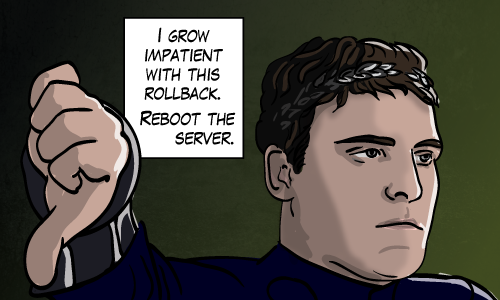
SQL Server will automatically detect a deadlock. It will choose a process to kill. This process is called a deadlock victim.
SQL Server will automatically detect a deadlock. It will choose a process to kill. This process is called a deadlock victim.

Deadlocks
After the one process is killed, the other process is allowed to continue.
After the one process is killed, the other process is allowed to continue.
But There’s One More Thing…
As long as I’m experimenting with visual formats, check out the same content in another medium.
The Locking Primer Presentation
This was just a primer. The best resource page remains Kendra Little’s Locking and Blocking in SQL Server.
 There were thirteen excellent posts this month. (See the